

© Copyright 2012 CFD Hands On S.A.S. All rights reserved.






AEROSPACE
Autodesk® Simulation CFD Training and Implementation (3 days) for non-
- Technical team trained and very satisfied,
- Pragmatic results on the implementation project,
- Best practices implemented for forced or free convection applications.
« The training was perfect, and based mostly on best practices rather than on theory. The agenda of the training was ideal and included a specific case of ours. The CFD Hands On’s engineer was a very good educator with an intensive practical experience. Discussions on our applications were extremely rich and lead us to really understand not only how to use the software on our applications but also how to leverage it the most efficiently from RFI to product developments ». Damien, Mechanical Group Manager.
Damien’s team designs electronics for the aerospace industry, from aircrafts to helicopters. As in every avionics system, specifications are strict: weight, size, reliability… and qualification tests. Using CFD very upfront in the design process, from the RFI onward, allows modeling the avionics thermal behavior, ensuring reliability. As the cost of change is much cheaper early on, not only does this cut development costs down, but it also implies an optimized thermal management before a prototype gets built. Damien’s engineers are not thermal experts, but with specs getting more and more demanding with more power packed in less room, thermal design is a must to ensure reliability. So before purchasing a CFD tool, Damien had to make sure that Autodesk® Simulation CFD was the appropriate software package for his company.
A real-
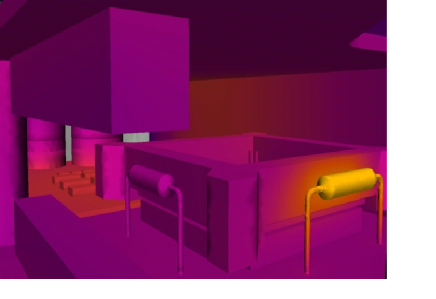
The CFD Hands On engineer details how to simplify the production CAD model to start
modeling it. Then, best practices to model free convection are taught, from boundary
conditions to describe either the qualification tests or the real-